Oracle 19c中的EMDE

we dont have many Options in 19c EM Express like our older version which have many useful tabs to control and monitor the DB activities. Currently there is only one tab in the top menu and i hope they will work to enhance the Page with many features but not confirm. 19c is currently available for Exadata only ( Check if its released for other platform ) and all installations are managed by Oracle Enterprise Manager.
The new “ORACLE ENTERPRISE MANAGER DATABASE EXPRESS” has only Performance tab as of now either from CDB or PDB login. Performance Tab includes – DB Status , Activity , Services and Resource Consumption with SQL Monitoring.
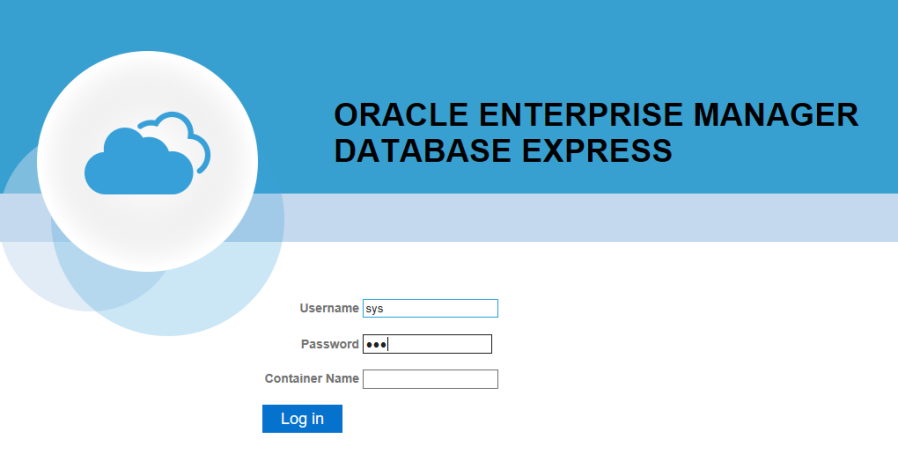
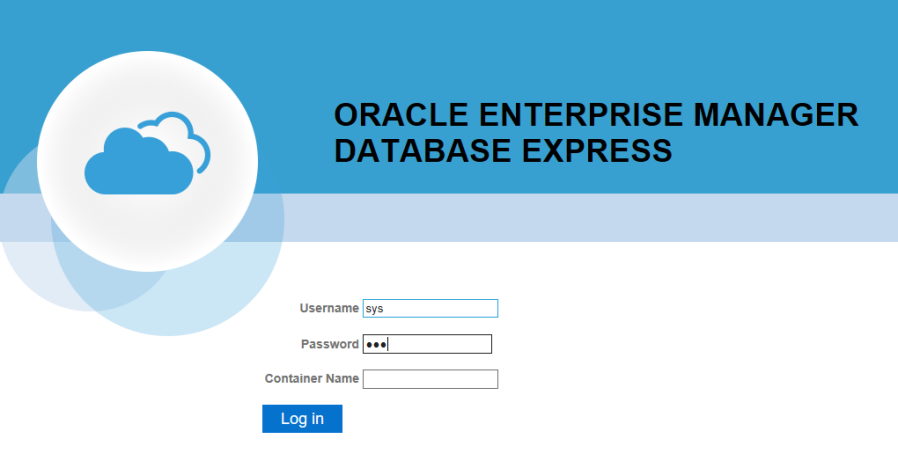
从Oracle Database 19c开始,Oracle不再推荐Flash-base的Enterprise Manager Express(EM Express),缺省采用Java JET技术。
Note: In accordance with industry standards, Oracle is deprecating Flash-based Oracle Enterprise Manager Express (Oracle EM Express). Starting with Oracle Database 19c, Oracle EM Express, the default management option for Oracle Database, is based on Java JET technology. In this initial release, there are some options available in Flash-based Oracle EM Express that are not available in the JET version. If necessary, use the following command to revert to Flash Oracle EM Express:
也可通过如下命令切换:
- 切换为Flash-based的EM Express
SQL> @?/rdbms/admin/execemx emx
- 切换为Java JET的EM Express
SQL> @?/rdbms/admin/execemx omx
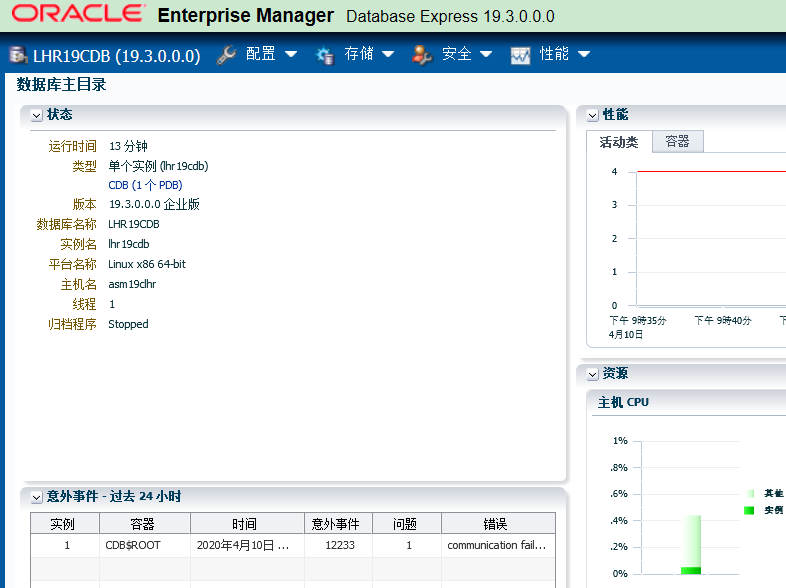
基于Flash-based的EM Express截图:
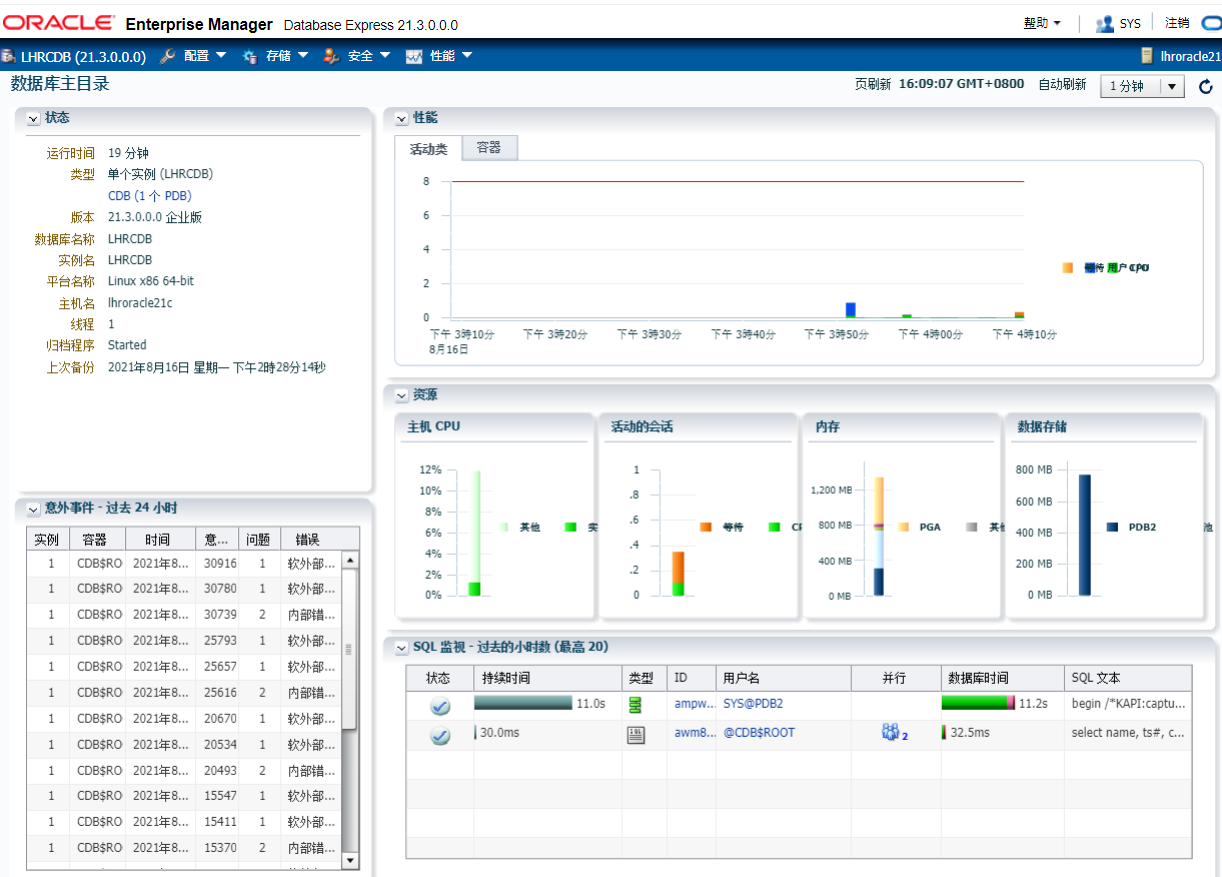
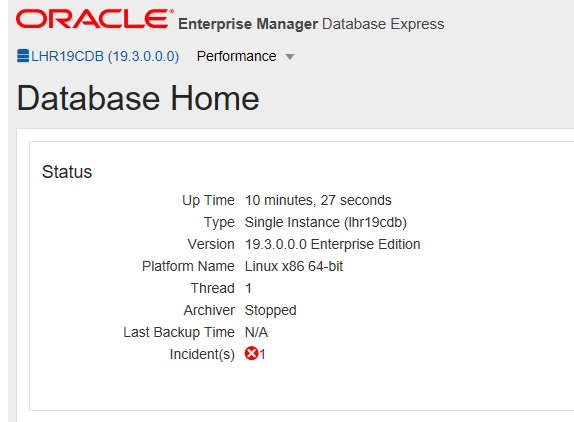
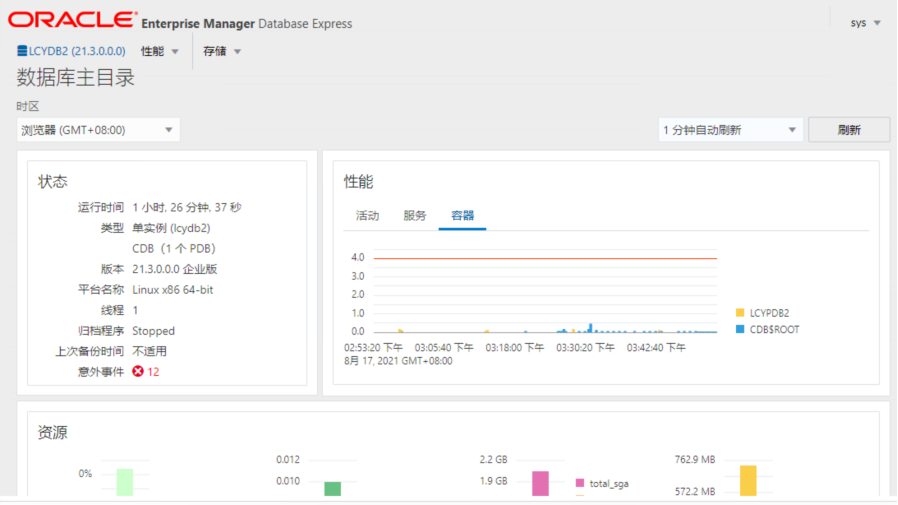
基于Java JET的EM Express截图:

- 点赞
- 收藏
- 关注作者
评论(0)