在eclipse中运行工程时 出现出现<ConnectionProperties> 的解决方法

【摘要】
输入如下代码 System .out .println("hellow word!!");
在eclipse中运行工程时 出现 ConnectionProperties PropertyCategory...
输入如下代码
System .out .println("hellow word!!");
在eclipse中运行工程时 出现
ConnectionProperties
PropertyCategory name=“Connection/Authentication”
name=“user” required=“No” default="" sortOrder="-2147483647" since=“all”
The user to connect as
Property Property name=“password” required=“No” default="" sortOrder="-2147483646" since=“all”> The password to use when connecting Property
解决办法1.对着工程点击右键,选择Run As->Java Applicatio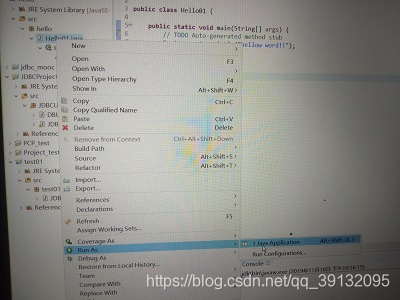
如图所示便可运行 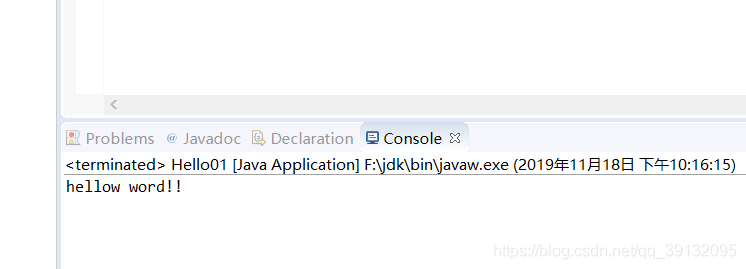
文章来源: jianguo.blog.csdn.net,作者:坚果前端の博客,版权归原作者所有,如需转载,请联系作者。
原文链接:jianguo.blog.csdn.net/article/details/103133145

【版权声明】本文为华为云社区用户转载文章,如果您发现本社区中有涉嫌抄袭的内容,欢迎发送邮件进行举报,并提供相关证据,一经查实,本社区将立刻删除涉嫌侵权内容,举报邮箱:
cloudbbs@huaweicloud.com
- 点赞
- 收藏
- 关注作者
评论(0)